Hosted Scanner deployment
1 min
Hosted scanners run in Truffle Security's infrastructure and require no setup on your end. To start scanning, add an integration in the web UI, pick the source you want to scan, and configure how it should be scanned. Your hosted scanner handles the rest.
Add integrations via the web UI
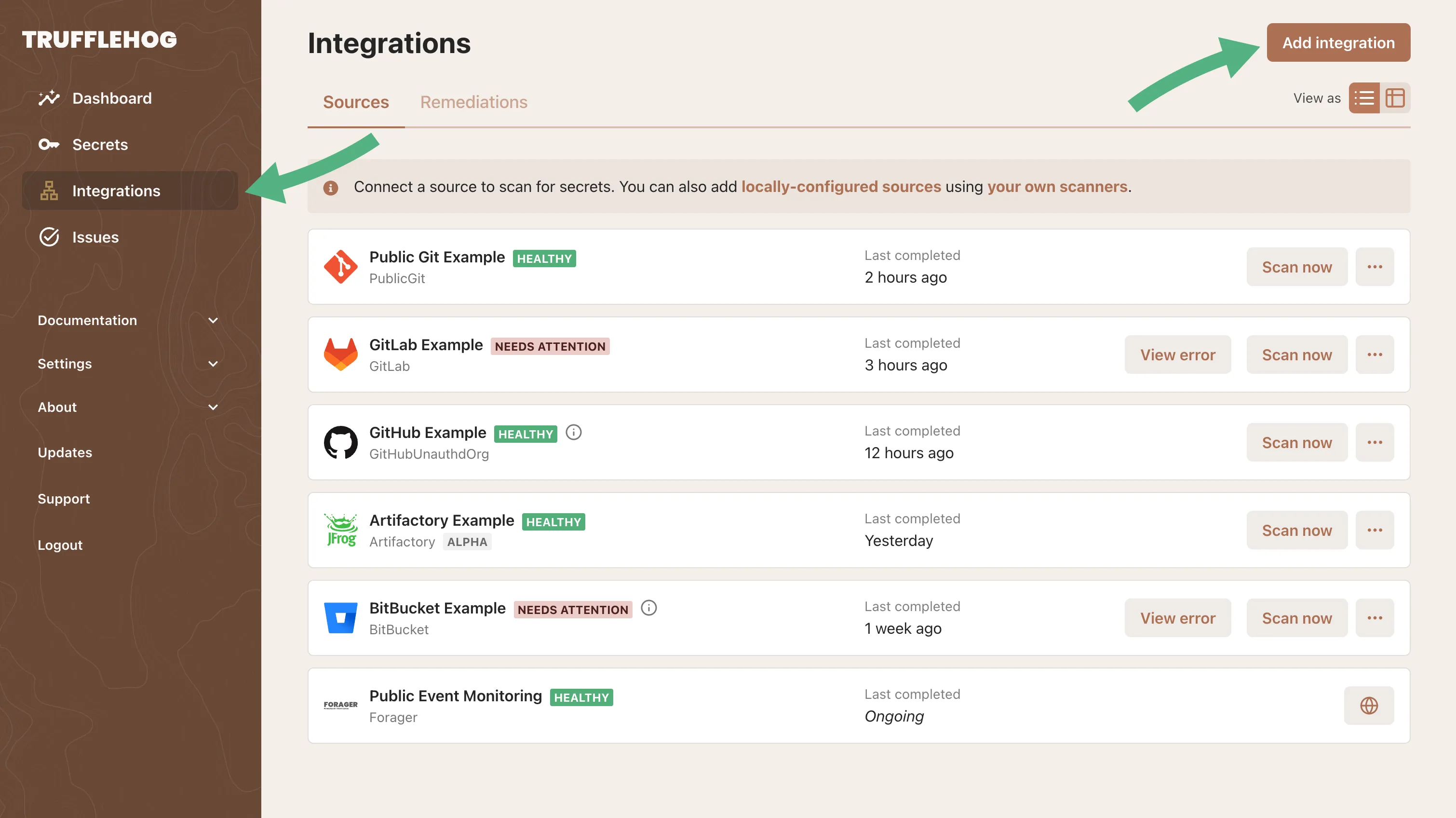
On your TruffleHog instance, navigate to the integrations tab and click Add integration
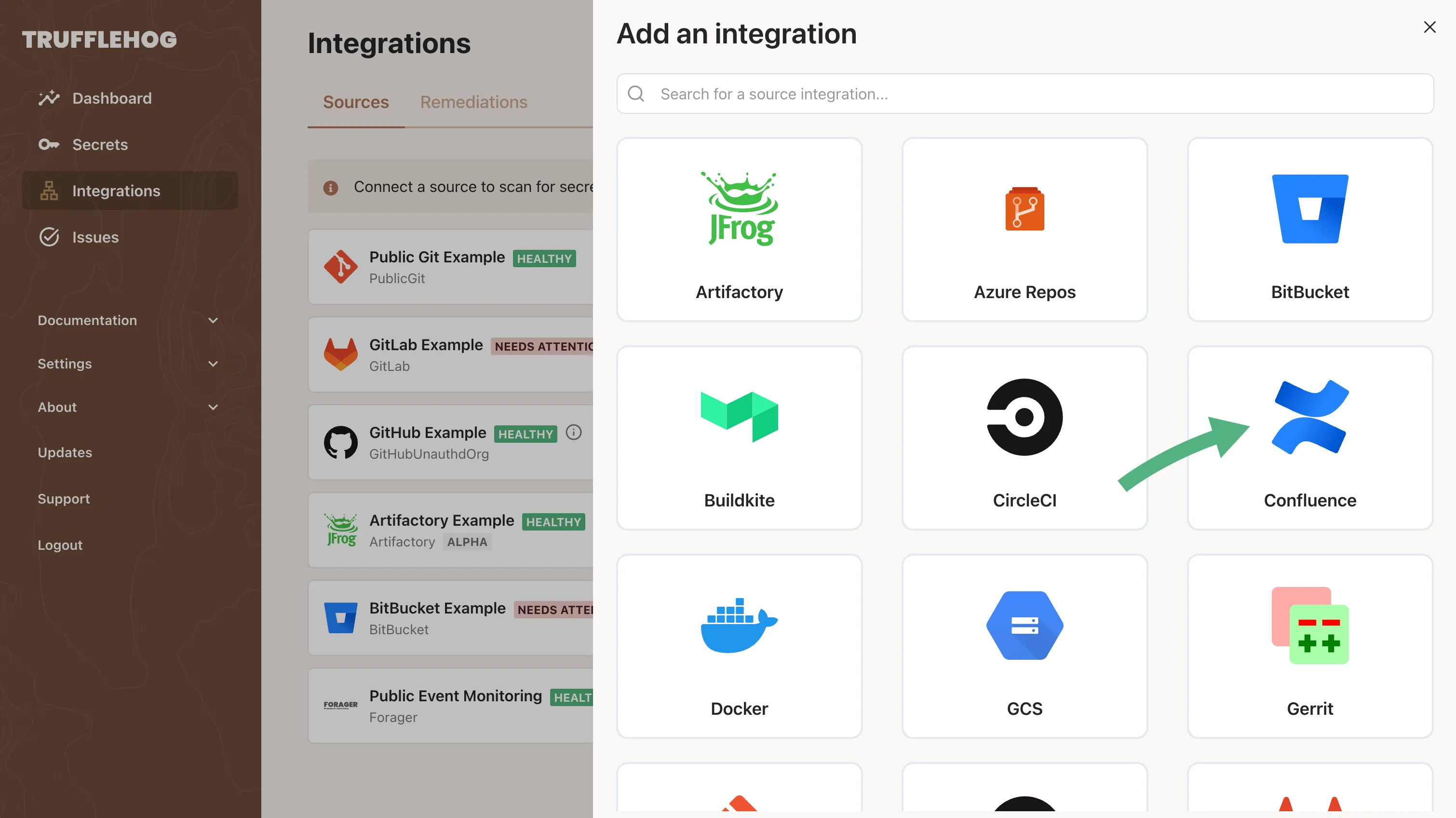
Select the source to be scanned
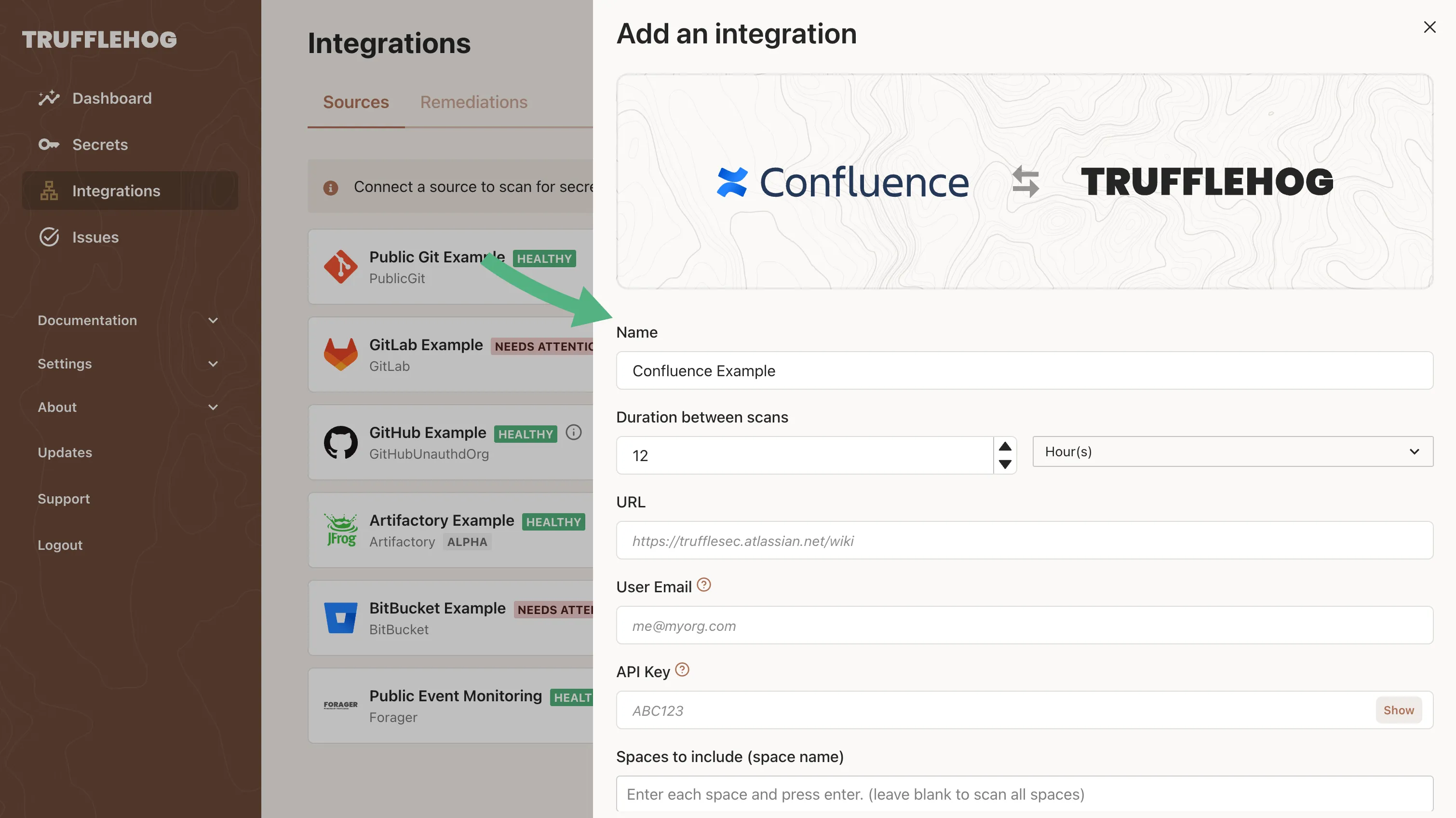
Configure how the source should be scanned
Make sure to select the appropriate Scanner for your source.
Your scanner is now set up and ready to scan.