Creating a scanner
1 min
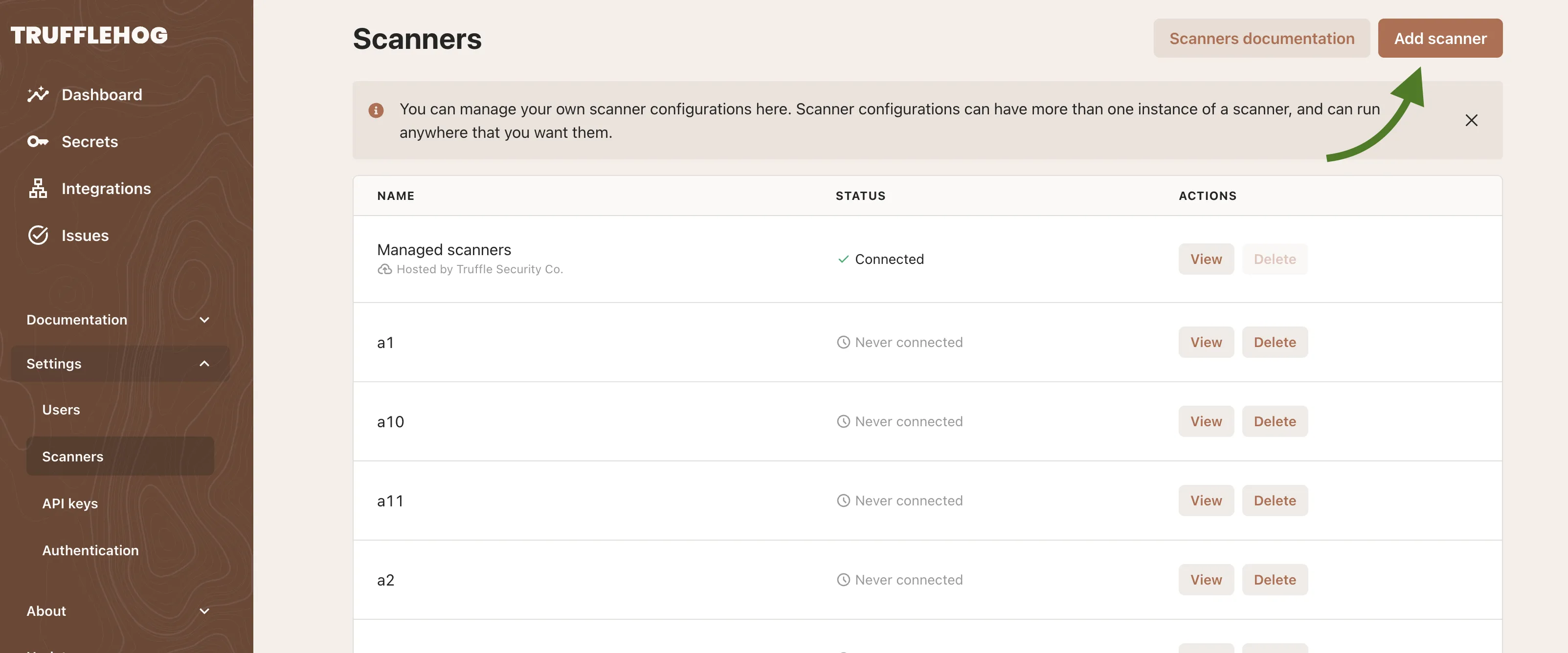
Navigate to Settings -> Scanners and then click on the Add Scanner button in the upper right
Give the scanner a unique name
Download the scanner configuration.
Keep it in a safe place because it contains the credentials used to access TruffleHog and your data! For security and convenience, we recommend storing it in a secrets manager and using the built-in schemas for loading it.
Download the scanner.
Download the appropriate binary for your operating system and architecture. It will automatically run the latest version from your instance, don't worry about updating it!
Alternatively, run the Docker image we publish with:
docker run --net=host -v $(pwd)/config.yaml:/tmp/config.yaml -it --rm us-docker.pkg.dev/thog-artifacts/public/scanner:latest scan --config=/tmp/config.yaml